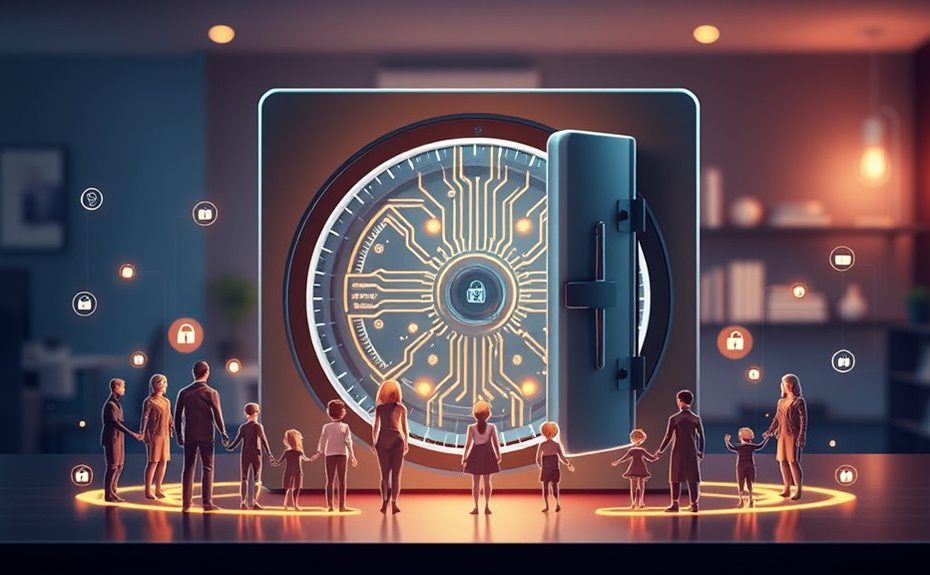
A family vault in a password manager offers a secure, central place to store and share all your passwords easily. You can manage access levels, generate strong passwords, and synchronize across devices for everyone’s convenience. This setup boosts your family’s digital security by preventing reuse and weak passwords while streamlining logins for streaming, email, or smart devices. Keep exploring to see how a family vault can make managing passwords safer and simpler for your household.
Key Takeaways
Centralizes and encrypts all family passwords for secure, easy access across devices.
Allows management of different access levels and sharing permissions for family members.
Facilitates strong password generation and automatic form filling for improved security.
Synchronizes seamlessly across smartphones, tablets, and computers for consistent access.
Provides activity logs and alerts to monitor account security and detect breaches.
Managing multiple passwords can be overwhelming, especially for families sharing digital accounts and sensitive information. It’s easy to forget or mix up login details, which can lead to frustration or, worse, insecure practices like reusing passwords across sites. That’s where a password manager family vault becomes a game-changer. These tools are designed to centralize all your passwords into a secure digital vault, making it easier to manage access while maintaining robust digital security. With a family vault, you no longer have to remember dozens of passwords or write them down insecurely. Instead, you store everything in an encrypted environment that only your family can access. This setup not only boosts your digital security but also enhances user convenience, allowing everyone in the family to log in quickly and safely.
One of the most significant advantages of a family vault is the balance it strikes between security and user convenience. You can generate strong, unique passwords for each account, minimizing vulnerability because no single password is repeated. When someone needs access to a shared streaming service, email account, or even a smart home device, they can retrieve the password effortlessly from the vault without wasting time trying to recall or reset it. This streamlined process encourages better security habits because family members aren’t tempted to use weak or reused passwords just to save time. Plus, many password managers include features like automatic form filling and one-click logins, which further simplify access and reduce the risk of typos or accidental sharing of sensitive information. Additionally, secure storage ensures that all your data remains protected against potential cyber threats.
Security is paramount, especially for families managing personal and financial data. A reputable password manager encrypts all stored passwords with strong algorithms, meaning even if someone tries to hack into the system, they won’t get access to your actual credentials. You also get the benefit of activity logs, alerts for compromised accounts, and the ability to assign different access levels to family members. For example, you might want your kids to access entertainment accounts but not financial ones. Managing permissions within the vault ensures your digital security remains tight while providing user convenience by clearly controlling who can see or change what.
Moreover, many family vaults synchronize seamlessly across devices, whether your family uses smartphones, tablets, or computers. This ensures everyone has access wherever they are, without the hassle of manual updates or multiple accounts. It also makes onboarding new family members quick and easy—simply share access securely, and everyone is up to date. By adopting a family vault, you’re not just safeguarding your digital life; you’re making it more manageable and user-friendly for everyone involved. It’s a smart way to enhance digital security while keeping things simple and convenient for your family’s everyday needs.
Frequently Asked Questions
How Secure Are Shared Passwords in Family Vaults?
Shared passwords in family vaults are generally secure if you follow proper password sharing protocols. You should use strong, unique passwords and enable two-factor authentication whenever possible. The encryption strength of your password manager also plays a vital role, as robust encryption ensures that your shared data remains protected from unauthorized access. By maintaining good security habits and choosing a reputable manager with high encryption standards, you can keep shared passwords safe.
Can Multiple Users Access the Vault Simultaneously?
Yes, multiple users can access the vault simultaneously. Your password manager typically supports multi-user synchronization, allowing everyone to view and update passwords in real-time. This feature guarantees seamless collaboration within your family, so no one is locked out or waits for updates. Just make sure all users have proper permissions and are connected to the internet, and the vault will keep everyone’s data synchronized effortlessly.
How Do I Revoke Access for a Family Member?
Imagine your family vault as a castle, and you’re the gatekeeper. To revoke access, simply navigate to the Access permissions section, find the family member’s name, and click revoke or remove. It’s like slamming the gates shut on their digital adventure. User revocation is straightforward—just a few clicks, and they’re locked out, ensuring your secrets stay secure, even if your relatives forget their passwords or decide to leave the kingdom.
What Happens if I Forget My Master Password?
If you forget your master password, you won’t be able to access your stored passwords. Some password managers offer password recovery options, like security questions or email verification, but many don’t have a way to retrieve your master password. You might need a master password reset if the service provides that feature. To avoid losing access, always use a secure but memorable password or enable account recovery options.
Are There Parental Controls Within Family Vaults?
Yes, family vaults often include parental controls to help you manage child safety and enforce content restrictions. You can set limits on what your kids access, monitor their activity, and approve or block specific sites or apps. These controls give you peace of mind by ensuring your children only see age-appropriate content, helping you create a safer online environment for your family.
Conclusion
Using a family vault in your password manager keeps everyone’s info secure and easily accessible. Sure, some worry about shared access, but with strong permissions and encryption, your family’s data stays protected. Plus, it simplifies managing passwords, reducing stress and ensuring no one forgets essential logins. Embrace a family vault, and you’ll foster both security and peace of mind—because safeguarding your loved ones’ digital lives is just smart, not complicated.