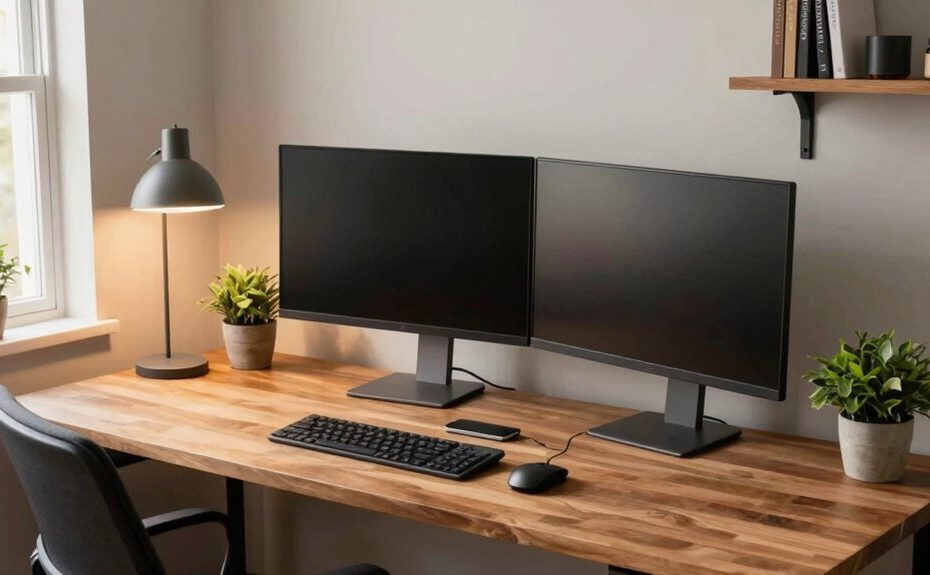
To build a better desk setup for hybrid work, focus on ergonomic essentials like an adjustable chair, monitor at eye level, and supportive accessories to prevent strain. Keep your workspace organized with cable management, designated spots for supplies, and a clutter-free layout. Incorporate personal touches and comfort tools like footrests or plants to boost mood. Regularly review and tweak your setup to stay comfortable and productive—discover simple tips to optimize your space even further.
Key Takeaways
Invest in ergonomic furniture and accessories to support proper posture and reduce strain during long work hours.
Organize cables and devices with management solutions for a clutter-free, efficient workspace.
Position your monitor at eye level and use adjustable equipment to promote comfort and prevent neck or wrist issues.
Incorporate anti-fatigue mats and footrests for standing or seated work to enhance comfort and reduce fatigue.
Personalize and regularly update your workspace to boost motivation, productivity, and adapt to evolving work needs.
With more people working in hybrid environments, creating a comfortable and efficient desk setup is essential for productivity and well-being. Your goal should be to design a space that promotes good posture and minimizes distractions. Start by investing in ergonomic accessories, such as an adjustable chair that supports your lower back and encourages proper alignment. A good ergonomic keyboard and mouse can also reduce strain on your wrists and forearms, preventing discomfort during long work sessions. Position your monitor at eye level to avoid neck strain, and ensure that your workspace allows you to work comfortably without leaning forward or craning your neck.
Create a comfortable workspace with ergonomic support, eye-level monitors, and minimal distractions for optimal productivity and well-being.
Cable management often gets overlooked, but it plays a pivotal role in creating a tidy, functional workspace. Use cable clips, sleeves, or under-desk trays to keep cords organized and out of sight. This not only improves the aesthetic of your desk but also reduces the risk of tripping or accidentally pulling equipment off your desk. Proper cable management also makes it easier to connect and disconnect devices, saving you time and frustration. Keep essential cables within easy reach, but tuck away the excess to avoid clutter. If you have multiple devices, consider Power strips with surge protection to streamline your power sources and prevent overloading outlets. Additionally, understanding golf history and milestones can serve as a motivational break, inspiring moments of focus and relaxation during your workday. Incorporating ergonomic accessories such as footrests or wrist supports can further enhance comfort and promote better posture throughout your workday. Adding a standing desk converter can also help vary your position and reduce the health risks associated with prolonged sitting. Exploring anti-fatigue mats for your standing desk can also help reduce fatigue and discomfort during extended periods of standing. Incorporating knowledge about posture and proper ergonomic principles can significantly improve your overall comfort and reduce long-term health issues. Additionally, a small plant or personal item can add a touch of comfort and help create a more inviting workspace that encourages you to stay motivated throughout the day.
Don’t forget to personalize your space with items that inspire you or bring you joy, but keep clutter to a minimum. A well-organized desk with designated spots for your supplies and documents will help you stay focused. Regularly review your setup to guarantee it continues to meet your needs, especially as your work routine evolves. By combining ergonomic accessories, effective cable management, and a thoughtful layout, you’ll create a desk environment that enhances both your productivity and your health, making hybrid work more manageable and enjoyable.
Frequently Asked Questions
What Are the Best Ergonomic Accessories for a Hybrid Workspace?
The best ergonomic accessories for your hybrid workspace include an ergonomic chair that offers proper lumbar support and adjustable features to match your posture. Additionally, an adjustable monitor stand or arm helps position your screen at eye level, reducing neck strain. These accessories promote comfort and productivity, allowing you to switch seamlessly between work environments while maintaining good posture. Prioritizing ergonomic chairs and adjustable monitors creates a healthier, more adaptable workspace.
How Do I Manage Cable Clutter Effectively?
To manage cable clutter effectively, start by using cable management solutions like clips, sleeves, or under-desk trays to keep cords organized. Regularly tidy up and route cables along designated paths to reduce clutter. Labeling cables helps identify them quickly, preventing tangles and confusion. By implementing these clutter reduction strategies, you create a cleaner, more efficient workspace, making it easier to focus and work comfortably in your hybrid setup.
What Lighting Options Reduce Eye Strain?
To reduce eye strain, opt for lighting ambiance that mimics natural light, creating a comfortable workspace. Use eye-friendly bulbs with a color temperature around 5000K to 6500K, which helps prevent eye fatigue. Position your light source to avoid glare on your screen, and consider adjustable desk lamps for personalized lighting. These choices keep your eyes relaxed and improve focus during long work sessions.
How Can I Personalize My Desk Without Cluttering It?
You can personalize your desk with small, meaningful items like a favorite photo or a unique mug, but keep clutter control in mind. Use storage solutions like trays or desk organizers to keep essentials tidy, and incorporate personalization tips like adding a desk plant or a stylish mouse pad. Limit accessories to a few select pieces to avoid clutter, creating a space that feels personal yet functional.
What Are Budget-Friendly Ways to Upgrade My Setup?
To upgrade your setup on a budget, focus on desk organization first—use affordable storage solutions like stackable trays or bins to keep clutter at bay. Consider budget enhancements like a good ergonomic chair or a stand for your monitor, which can improve comfort without breaking the bank. You can also add a desk mat or some stylish accessories to personalize your space while staying cost-effective.
Conclusion
Now, imagine walking into your workspace tomorrow—your desk perfectly organized, the lighting just right, and your tech seamlessly integrated. As you settle in, you realize this isn’t just a setup; it’s your productivity haven, ready to adapt to whatever the day throws at you. The key isn’t just in the design but in how it transforms your workday. Ready to make your ideal hybrid workspace a reality? The next step is yours to take.