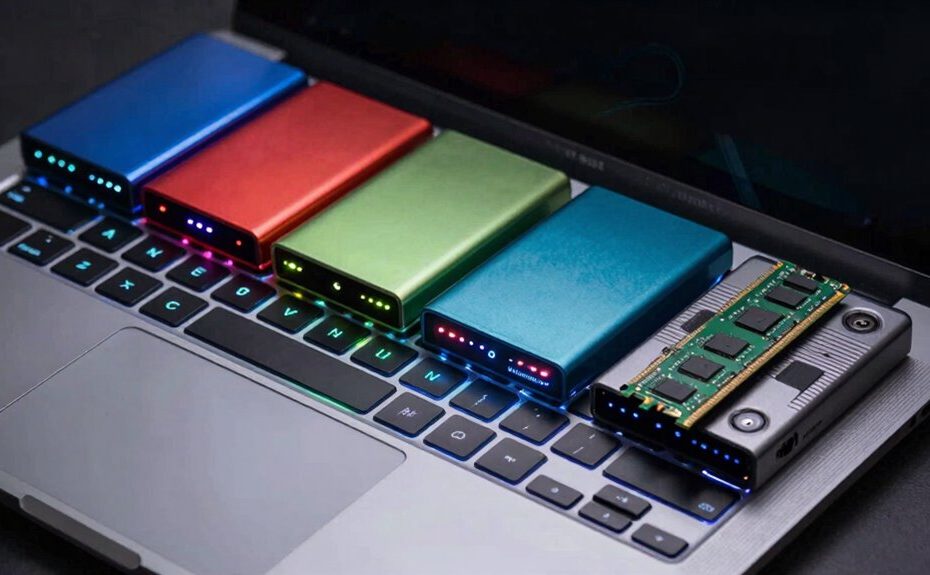
The main difference between RAM and storage is that RAM is temporary memory that quickly helps your computer process active tasks, but it loses everything when you turn off your device. Storage, like an HDD or SSD, permanently keeps your files, apps, and operating system, even when powered down. Your system relies on both to perform smoothly—RAM for speed and multitasking, storage for long-term data. Understanding how they work together can help you make smarter upgrades and troubleshoot issues.
Key Takeaways
RAM is volatile memory that temporarily holds active data, while storage permanently saves data even when the power is off.
RAM provides quick access for the processor, boosting system speed during active tasks; storage determines long-term data retention.
RAM’s speed affects system responsiveness and multitasking, whereas storage speed influences load times for files and applications.
RAM is typically smaller and faster, used as a temporary workspace; storage devices (HDDs/SSDs) are larger, slower, and used for permanent data.
Upgrading RAM improves active data processing, while increasing storage capacity expands long-term data storage options.
When you use your computer, you might hear about RAM and storage, but they serve very different purposes. RAM, or Random Access Memory, is a type of volatile memory that temporarily holds data your system actively uses. Its primary role is to give your processor quick access to information, making your computer run smoothly and efficiently. One key aspect of RAM is memory speed — how fast it can read and write data. Faster memory speeds mean your system can process information quicker, resulting in snappier performance. But because RAM is volatile, it doesn’t retain data once the power is off. When you shut down your computer, anything stored in RAM disappears, which is why your work needs to be saved to long-term storage. Proper memory management is essential for optimizing your system’s overall performance. Additionally, the types of RAM available can influence your system’s capability to handle different workloads. The compatibility of RAM with your system is also crucial when considering upgrades.
In contrast, storage is where your data is permanently kept, even when your computer is turned off. Hard drives (HDDs) and solid-state drives (SSDs) are common types of storage devices. They hold your operating system, applications, documents, photos, and all other files. Storage isn’t about speed in the same way RAM is; instead, it’s about data retention. Once data is saved here, it remains intact until you decide to delete or modify it. Storage devices are slower than RAM, but they’re designed for long-term durability and capacity. SSDs, however, have significantly faster data access times compared to traditional HDDs, reducing load times for your files and applications. Understanding the differences in memory technology helps clarify how your system manages data at different stages. This knowledge is particularly useful when considering hardware upgrades or troubleshooting performance issues.
Understanding the difference in data retention between RAM and storage helps clarify their roles. RAM’s volatility means it’s a temporary workspace, while storage provides a permanent home for your data. The speed of your RAM affects how quickly your system can process ongoing tasks, while storage speed influences how fast you can load or save files. Both play crucial roles in your computing experience, but they do so in fundamentally different ways. If your RAM is slow or insufficient, your system might lag when multitasking or running demanding applications. Conversely, slow storage can cause long load times and delays when opening files or launching programs. Recognizing these differences helps you make informed decisions about upgrades and troubleshooting, ensuring your computer runs efficiently for your needs. Additionally, understanding the role of memory technology can guide you in choosing the right components for optimal performance.
Frequently Asked Questions
Can You Upgrade RAM Without Affecting Storage Capacity?
Yes, you can upgrade RAM without affecting your storage capacity. When upgrading, make sure the new RAM is compatible with your system’s RAM compatibility requirements. This upgrade won’t impact your storage capacity or data, and it won’t interfere with storage encryption. Adding more RAM can improve performance, but it doesn’t change the amount of storage space available. Just verify compatibility and follow proper installation steps for a smooth upgrade.
How Does RAM Speed Impact Overall Computer Performance?
RAM speed directly impacts your computer’s performance by reducing memory latency, which means your system can access data faster. Faster RAM improves multitasking and gaming experiences, especially with larger cache sizes that hold frequently used data. When RAM speed increases, your system responds more quickly, making applications smoother. Keep in mind, though, the overall benefit depends on your CPU and whether your motherboard supports higher speeds.
Is External Storage Faster Than Internal Storage?
Think of external storage as the library shelf outside your house—slower than your internal desk drawer. External drives often rely on USB or Thunderbolt connections, making them slower than internal SSDs or HDDs. But, if you’re using cloud storage, data synchronization happens over the internet, which can add latency. So, internal storage generally offers faster access, while external options and cloud storage prioritize convenience and flexibility.
What Happens if RAM Is Insufficient for My Tasks?
If your RAM is insufficient, you’ll experience memory bottlenecks, slowing down your system as it struggles to handle tasks. Your computer relies on virtual memory, which uses part of your storage as extra RAM, but it’s much slower. This causes lag, delays, and reduced performance. To fix this, you need to upgrade your RAM to provide enough memory for your tasks without over-relying on virtual memory.
Can Data Be Recovered if Storage Fails?
Think of your storage as a treasure chest. When a storage failure occurs, data recovery can be like digging up that chest, but it’s not always guaranteed. If the failure is minor, skilled recovery might retrieve your files. However, severe damage could mean your data is lost forever. So, always back up regularly to protect against storage failure and increase the chances of successful data recovery.
Conclusion
Understanding the difference between RAM and storage helps you make smarter tech choices. RAM speeds up your device, keeps your work flowing smoothly, and handles active tasks with ease. Storage, on the other hand, saves your files, apps, and memories for the long haul. Recognize their roles, respect their limits, and optimize their use. Because knowing how they work together guarantees your device performs at its best, now and into the future.