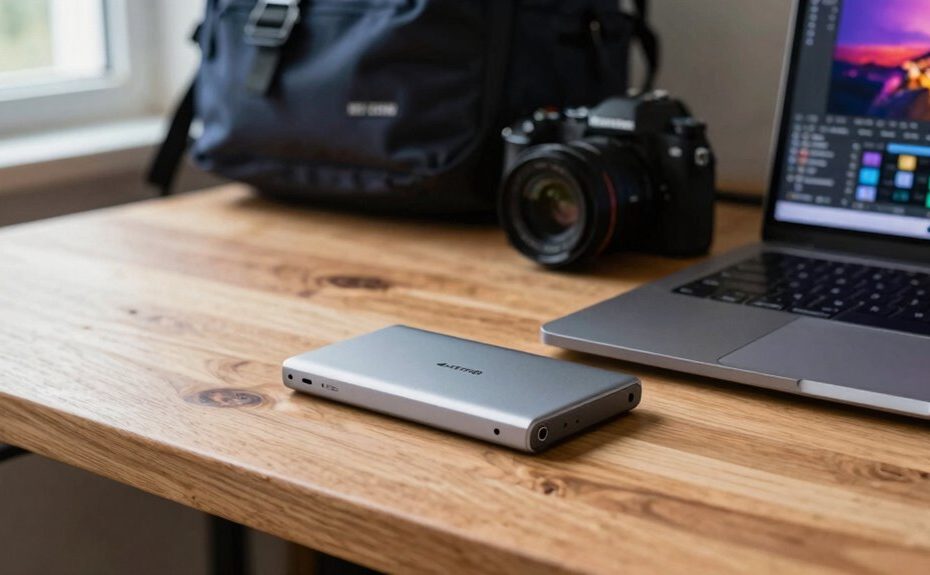
An external SSD is great for boosting your device’s speed, letting you transfer large files quickly and improving overall performance. It’s perfect for backing up important data, keeping your files safe offline, and expanding your storage without cluttering your internal drive. Gamers and content creators benefit from faster load times and easy handling of big projects. Its portability makes it ideal for work on the go. Keep exploring to discover how this versatile device can enhance your digital experience.
Key Takeaways
Enhances data transfer speeds for quick file access and backups.
Provides reliable offline storage for sensitive or large files.
Reduces game load times and expands storage for gaming setups.
Supports content creators with fast access to large multimedia files.
Offers portable, durable storage for everyday use and on-the-go data management.
Ever wondered how an external SSD can boost your digital life? If you’re looking for faster data access, easier backups, or more storage options, an external SSD is a smart investment. Unlike traditional hard drives, SSDs have no moving parts, making them more durable and considerably quicker. This speed is especially noticeable when transferring large files or launching applications. This improvement in performance can significantly enhance your digital experience, especially when working with high-resolution photos, editing videos, or managing large game files, as an external SSD keeps everything running smoothly.
External SSDs offer faster transfers, durability, and smooth performance for all your high-resolution, large-file needs.
One of the most practical uses of an external SSD is for cloud backups. You might already rely on cloud storage services like Dropbox, Google Drive, or OneDrive, but having an external SSD acts as a physical backup that complements your digital cloud. It’s a safeguard against internet outages or cloud service issues, ensuring your data is safe and accessible even when you’re offline. Plus, copying files to an external SSD is faster than uploading to the cloud, saving you time and effort, especially when dealing with large data sets. This physical backup can also provide additional security for sensitive information, giving peace of mind in case of cyber threats or hardware failure.
If you’re into gaming, an external SSD can transform your gaming experience. Traditional HDDs may cause long load times, frustrating pauses, or lag during gameplay. An external SSD, on the other hand, offers rapid load times, allowing you to jump into your favorite games almost instantly. It’s perfect for expanding your gaming storage without cluttering your primary drive. You can store multiple games on the external SSD and switch between them seamlessly. This is especially useful if your internal drive is limited or already packed with data.
Beyond backups and gaming, an external SSD is invaluable for content creators. Video editors, photographers, and designers often work with massive files that can bog down even high-end computers. Having an external SSD as a dedicated drive helps streamline workflows, providing quick access to project files and assets without slowing down your system. It also makes it easier to transfer large files between devices or share projects with collaborators. Additionally, choosing an SSD with color accuracy and contrast ratio can further improve your multimedia experiences by delivering clearer, more vibrant visuals when viewing or editing content. This precise color representation is especially important for professionals working on visual projects, ensuring their work is accurately represented.
In essence, an external SSD enhances your digital routine by offering reliable, high-speed storage. Whether you’re backing up important data, boosting your gaming performance, or managing large creative projects, it provides a versatile, durable, and efficient solution. Its portability means you can take your data on the go, making it a practical tool for both work and play. Investing in an external SSD isn’t just about storage; it’s about improving how you interact with your digital world.
Frequently Asked Questions
Can External SSDS Be Used for Gaming Purposes?
Yes, you can definitely use an external SSD for gaming purposes. It’s perfect for portable storage, letting you carry your game library wherever you go. Plus, it boosts load times and performance, especially if you’re into cloud gaming or playing directly from the drive. Just connect it to your console or PC, and you’ll enjoy fast, reliable access to your games without taking up internal space.
How Secure Is Data Stored on an External SSD?
Data stored on an external SSD is relatively secure if you use data encryption, which protects your files from unauthorized access. Physical durability also plays a role; many external SSDs are built to withstand drops and shocks. However, it’s important to keep backups and be cautious with physical handling. Combining encryption with careful use guarantees your data remains safe, both digitally and physically.
Are External SSDS Compatible With All Operating Systems?
External SSDs are generally compatible with most operating systems, but you should check device compatibility first. They support data transfer across Windows, macOS, and Linux, making file sharing easy. However, some SSDs may require specific formatting or drivers for full functionality. To guarantee smooth operation, verify the SSD’s compatibility with your system before purchase, especially if you plan to use it across multiple platforms.
What Is the Typical Lifespan of an External SSD?
External SSDs typically last around 5 to 10 years, depending on usage and quality. You can enhance data durability through wear leveling, which spreads out data writes evenly to prevent premature failure. Heavy, frequent writing accelerates wear, shortening lifespan. To maximize longevity, handle your external SSD carefully, avoid extreme temperatures, and regularly back up important data. Proper care guarantees your device stays dependable, durable, and data secure over time.
Do External SSDS Require Additional Power Sources?
External SSDs generally don’t require additional power sources because they draw power through the data transfer port, like USB or Thunderbolt. Your device’s port compatibility guarantees the SSD gets enough power for smooth operation. Just make sure you’re using the right cable and port type, as some high-speed data transfers might need a more powerful connection. This way, your external SSD works reliably without extra power.
Conclusion
An external SSD is a versatile tool that boosts your storage and speeds up your workflow. Whether you’re backing up files, editing videos, or gaming, it handles it all with ease. Did you know that SSDs are up to 20 times faster than traditional HDDs? That speed difference means less waiting and more doing. So, investing in an external SSD can truly transform how you manage and access your data daily.