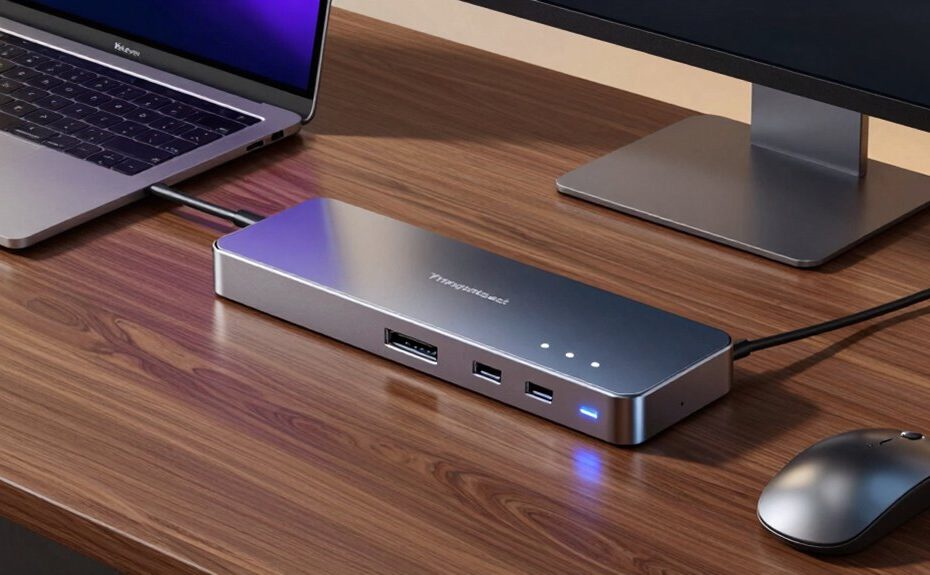
Thunderbolt docks command premium prices because they offer unmatched speed, reliability, and extensive connectivity. You get rapid data transfers, support for multiple monitors, and reliable connections for critical tasks without lag or interruptions. They also include a variety of ports, ensuring seamless peripheral support. Plus, they’re built for future compatibility and security. If you want to learn more about why these docks are worth the investment, keep exploring how they boost your workflow and performance.
Key Takeaways
They offer unmatched data transfer speeds, supporting large files and high-performance workflows efficiently.
Thunderbolt docks provide versatile connectivity with multiple ports for peripherals and displays.
They deliver reliable, low-latency wired connections, reducing interference and disconnections.
Advanced security features protect sensitive data during transfers and backups.
Their future-proof design ensures compatibility with upcoming hardware and technology standards.
Despite the rise of alternative connection technologies, Thunderbolt docks continue to command premium prices because they deliver unmatched speed, versatility, and reliability. When you connect your devices through a Thunderbolt dock, you’re tapping into a high-performance hub that supports rapid data transfer, seamless multitasking, and consistent performance. This speed is especially crucial if you work with large files, such as high-resolution images or 4K videos, where slow transfer rates can be frustrating. Unlike wireless charging or cloud storage, which offer convenience, Thunderbolt docks provide direct, wired connections that eliminate lag and data bottlenecks, making them ideal for professional workflows.
Wireless charging may seem like a sleek, cable-free solution for powering your devices, but it falls short when it comes to data transfer and device connectivity. Thunderbolt docks, on the other hand, offer multiple ports—USB-C, HDMI, SD card readers, and more—that support a wide array of peripherals. This versatility allows you to connect multiple monitors, external drives, and audio interfaces simultaneously, streamlining your workspace without sacrificing performance. While cloud storage provides accessibility and remote backup options, it depends heavily on internet speed and can introduce latency issues, especially when you’re transferring large files. Thunderbolt docks keep everything tethered directly to your computer, ensuring faster, more reliable access to your data and peripherals.
The reliability of Thunderbolt technology also explains why they’re worth the investment. When you rely on your computer for critical tasks—whether editing videos, running complex simulations, or managing extensive data sets—consistent connectivity becomes essential. Thunderbolt’s high bandwidth and low latency minimize disruptions, so your work proceeds smoothly without delays. Cloud storage and wireless solutions are convenient, but they’re subject to network issues and security concerns. Thunderbolt docks sidestep these problems by providing a stable, wired connection that’s less prone to interference or disconnection. Additionally, the robust design and ongoing updates in Thunderbolt standards contribute to their long-term compatibility, making them a dependable choice for future technology needs. Furthermore, many Thunderbolt docks incorporate advanced security features that protect sensitive data during transfers, adding an extra layer of security to your setup.
Furthermore, the integration of Thunderbolt docks with modern workflows enhances productivity. They support fast charging capabilities, including wireless charging in some models, reducing clutter and eliminating the need for separate chargers. Plus, their ability to handle large data transfers complements cloud storage by enabling quick backups and synchronization. As technology continues to evolve, future-proofing your setup with Thunderbolt docks ensures compatibility with upcoming hardware advancements. Though they come at a premium, the combination of speed, connectivity options, and dependability makes Thunderbolt docks a worthwhile investment, especially if you demand top-tier performance from your setup. Their ability to seamlessly integrate with your existing hardware and support future upgrades further cements their value in a competitive market.
Frequently Asked Questions
How Do Thunderbolt Docks Compare to USB-C Docks in Performance?
Thunderbolt docks outperform USB-C docks in performance because they offer higher bandwidth, reducing bandwidth limitations during data transfers. They also support more robust power delivery, allowing you to charge devices faster and handle power-hungry peripherals efficiently. If you need seamless multitasking and reliable connectivity for demanding tasks like video editing or gaming, Thunderbolt docks are worth the investment, providing superior speed and power compared to standard USB-C options.
Are Thunderbolt Docks Compatible With All Laptop Brands?
Did you know over 60% of professionals use multiple devices daily? Thunderbolt docks aren’t compatible with all laptops, but they excel in brand compatibility and port versatility. Most high-end brands support Thunderbolt, yet some budget or older models might not. To guarantee compatibility, check your laptop’s port specifications and manufacturer’s guidelines. If your device supports Thunderbolt, you’ll enjoy seamless connectivity and rapid data transfer.
What Are the Long-Term Durability Considerations for Thunderbolt Docks?
Thunderbolt docks are generally durable, but consider material quality and heat dissipation for long-term use. Look for docks made from sturdy materials like aluminum, which resist wear and corrosion. Good heat dissipation is essential to prevent overheating that can damage internal components over time. Regularly check connections and keep vents clear. Proper care guarantees your dock remains reliable, maintaining its performance and longevity for years to come.
Can Thunderbolt Docks Be Upgraded or Expanded Later?
You can’t typically upgrade or expand your Thunderbolt dock later due to compatibility concerns and limited internal options. Most docks are designed with specific features, like power delivery, that can’t be altered afterward. If you need more ports or higher power output, consider choosing a dock with those capabilities upfront. This way, you avoid potential compatibility issues and guarantee your setup remains efficient as your needs grow.
Do Thunderbolt Docks Support Daisy Chaining Multiple Devices?
While Thunderbolt docks can support daisy chaining multiple devices, you should be aware of some compatibility issues and power limitations. These docks often handle a few devices well, but as you add more, performance may suffer, or power delivery might fall short. It’s like juggling delicate glassware—you can try, but sometimes, fewer pieces make for a smoother, more reliable experience.
Conclusion
So, if you’re still eyeing a Thunderbolt dock, remember that its premium price isn’t just about brand names. You’re investing in top-tier speed, versatility, and future-proofing—think of it as securing a golden ticket to a world where your devices play nicely together. Just like a vintage typewriter still commands respect in a digital age, Thunderbolt docks hold their value because they’re built to last and perform at the highest level.