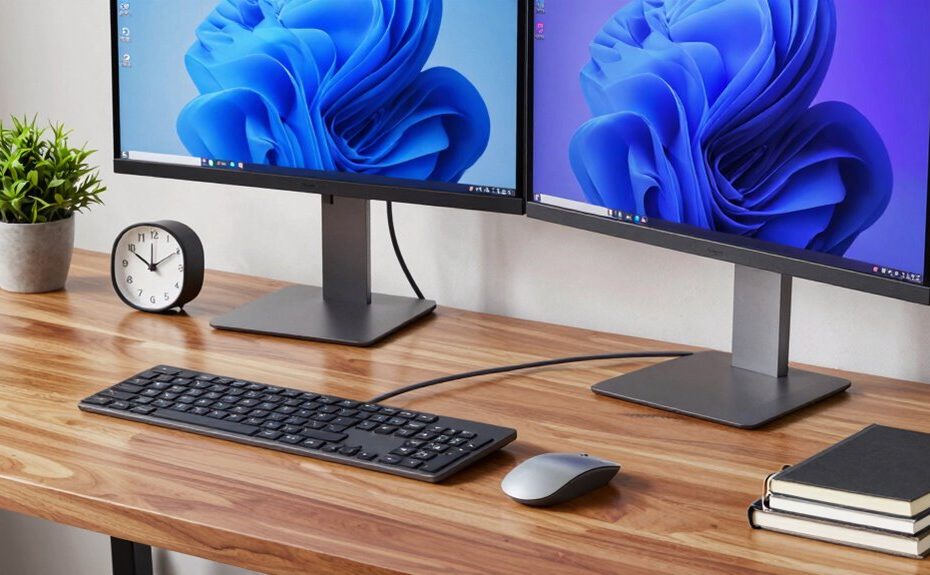
Your desk power setup can markedly boost your productivity by keeping cords organized and reducing clutter. Using cable management tools, power strips with USB ports, and ergonomic accessories helps you work comfortably and efficiently. Proper placement of outlets minimizes cable mess and prevents frustration from tangled cords. A well-planned setup improves focus, saves time, and lowers stress. Keep exploring ways to optimize your workspace, and you’ll discover even more tips to enhance your productivity.
Key Takeaways
A well-organized power setup reduces clutter, making the workspace more efficient and less distracting.
Proper cable management prevents tangling and accidental unplugging, ensuring consistent device operation.
Using surge-protected power strips safeguards electronics and minimizes downtime from power issues.
Ergonomic accessories and strategic outlet placement enhance comfort, reducing fatigue and increasing focus.
Incorporating advanced power solutions supports seamless integration of multiple devices and multimedia needs.
A well-designed desk power setup is essential for boosting productivity and reducing clutter, especially as more tasks rely on multiple devices. When you create an efficient power station, you eliminate the frustration of tangled cords and searching for outlets, allowing you to focus on your work instead. Incorporating ergonomic accessories into your setup not only enhances comfort but also promotes better posture and reduces fatigue during long hours at your desk. Items like adjustable monitor stands, ergonomic keyboard trays, and supportive wrist rests help you maintain a natural, comfortable position while working, which can improve overall efficiency. Additionally, choosing outlets with surge protection can safeguard your devices from power fluctuations, ensuring long-term durability. Staying aware of emerging trends in digital technology can further optimize your workspace, keeping you ahead in productivity tools and accessories.
A well-organized, ergonomic desk setup boosts comfort, efficiency, and productivity while reducing clutter and fatigue.
Cable management plays a critical role in maintaining an organized workspace. Using cable clips, sleeves, or under-desk trays keeps cords tidy and prevents them from tangling or falling off your desk. When cables are neatly routed and secured, you’re less likely to accidentally unplug devices or strain connectors. This simple step saves time and minimizes wear on your equipment. Additionally, investing in a power strip with multiple outlets and USB ports allows you to consolidate your devices, reducing the number of power cords cluttering your workspace. Opt for a surge-protected strip to safeguard your electronics from unexpected power fluctuations. Incorporating circuit protection into your setup can further prevent damage caused by power surges or outages. Furthermore, understanding natural pool systems can inspire eco-friendly solutions for your outdoor workspace, blending comfort with sustainability.
Your choice of power accessories can make a significant difference in how smoothly your day unfolds. For example, a charging station with designated spaces for your phone, tablet, and other gadgets keeps everything within reach and organized. This prevents you from wasting time hunting for chargers or cables. Smart power strips with individual switches give you control over each device, allowing you to turn off unused equipment without unplugging everything. When you combine these accessories with effective cable management, your desk becomes a hub of efficiency, not chaos.
Furthermore, consider the placement of your power sources. Position outlets and power strips conveniently to minimize the length of cables running across your desk. This strategic setup not only looks cleaner but also reduces the risk of accidents or damage. When your workspace is thoughtfully organized, you’ll find it easier to stay focused and productive. The smoother your workflow, the less time you spend troubleshooting power issues or untangling cords. Ultimately, a well-planned desk power setup empowers you to work more comfortably, efficiently, and with fewer distractions.
Incorporating knowledge about projector technology can help you optimize your workspace for presentations or multimedia use, ensuring your environment supports both work and leisure activities seamlessly.
Frequently Asked Questions
How Can I Optimize My Desk Layout for Better Energy Flow?
To optimize your desk layout for better energy flow, start by arranging your personal space so everything you need is within easy reach, reducing unnecessary movement. Use lighting optimization by placing your desk near natural light or adding adjustable lamps to boost focus and reduce eye strain. Keep clutter minimal and position your monitor at eye level. These adjustments help create a balanced environment that promotes productivity and maintains your energy throughout the day.
What Are the Best Ergonomic Accessories for Desk Power Setups?
You should consider ergonomic accessories like wireless charging pads and adjustable stands. Wireless charging keeps your devices powered without clutter, and adjustable stands help position your laptop or monitor at eye level, reducing strain. These accessories promote better posture and efficiency, making your workspace more comfortable and functional. Incorporate them into your desk setup to enhance energy flow and productivity, ensuring you stay focused and comfortable throughout your workday.
How Does Cable Management Impact Productivity and Safety?
You might think cable management is just about looks, but it actually boosts your productivity and safety. When you organize cables and include wireless charging stations, you reduce clutter and avoid accidental disconnections. Proper cable management also prevents power surges from damaging your devices, keeping your workspace safe. With tidy cables, you save time searching for chargers and minimize trip hazards, making your work environment more efficient and secure.
What Technology Trends Influence Desk Power Setup Designs?
You’re influenced by technology trends like wireless charging and smart power strips when designing your desk power setup. Wireless charging pads let you power devices without clutter, while smart power strips give you control over energy use and help prevent overloads. These innovations enhance efficiency and safety, making your workspace more adaptable. Embracing these trends guarantees your desk remains modern, organized, and responsive to your evolving tech needs.
How Often Should I Update My Desk Power Configuration?
You should update your desk power configuration whenever your setup changes or you notice issues. Keep an eye on power outlet placement—if you find yourself stretching cords or crowding outlets, it’s time for an upgrade. Also, regularly review your surge protector selection; outdated or overloaded protectors risk damage. Don’t wait for a blackout to act—proactively revitalizing your setup ensures safety and efficiency in your workspace.
Conclusion
A well-organized desk power setup can substantially boost your productivity, making it easier to stay focused and efficient. Remember, a clutter-free workspace reduces distractions and streamlines your workflow. Did you know that workers with optimized desk setups report up to 30% higher productivity? Investing a little time to improve your power setup isn’t just about convenience — it’s about maximizing your potential and getting more done every day. So, make your workspace work for you!