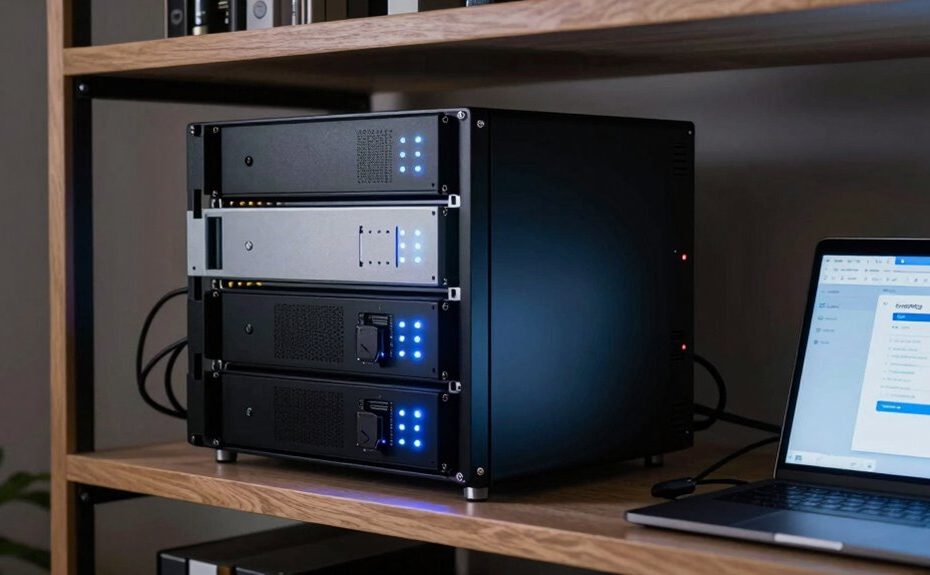
A home backup server is more useful than you think because it offers a centralized, secure way to safeguard your files, photos, and videos. It automatically backs up data, keeps everything accessible across devices, and streams your media without limits. Plus, it protects your privacy by avoiding third-party storage and encrypting your data. With easy setup and reliable recovery, it’s a smart investment in your digital security. Keep exploring to discover how it can truly change your digital life.
Key Takeaways
Centralize data storage for easy access, management, and seamless device synchronization.
Enhance data security with encryption and enterprise-grade protections within your local network.
Automate backups and enable quick recovery from hardware failures or data loss incidents.
Maintain full control and privacy by avoiding reliance on third-party cloud providers.
Simplify setup and management, making data security and backup accessible and cost-effective.
Have you ever lost important files because of a computer crash or accidental deletion? It’s a frustrating experience, but setting up a home backup server can save you from the stress and potential data loss. Unlike relying solely on external drives or cloud services, a home backup server offers a centralized solution that keeps all your data safe, accessible, and easy to manage. One of the key advantages is that it enables seamless cloud synchronization, meaning your files automatically sync between your devices and your backup server. This setup guarantees that whenever you update a document on your laptop or phone, the latest version is stored securely without manual intervention. Plus, with data encryption, your sensitive information stays protected from unauthorized access, even if someone gains physical access to your server. Encryption acts as a safeguard, turning your data into an unreadable format that only you can decrypt with the right credentials.
Having a home backup server is more than just a backup solution; it’s a smart way to maintain control over your data. When properly configured, it can continuously back up your files, photos, and videos in real-time, so you don’t have to remember to do manual backups anymore. This automation reduces the risk of forgetting to save recent changes or losing data due to hardware failure. Moreover, a home server can serve as a media hub, allowing you to stream movies, music, or photos directly to your devices without relying on external storage or cloud services. It also enables you to store large files, such as high-resolution videos or project archives, without worrying about limited cloud storage plans or ongoing subscription costs. Additionally, a home backup server can help you implement enterprise-grade security measures, giving you peace of mind similar to that of large organizations. Incorporating security protocols can further enhance the protection of your data from cyber threats. Implementing comprehensive data protection strategies can help you stay ahead of potential vulnerabilities. Utilizing dedicated storage hardware ensures your data remains resilient and easily recoverable in case of hardware failures.
Using a home backup server also provides an extra layer of reliable data storage, ensuring your information is protected against hardware failures or power outages. Another benefit is that a home backup server offers more privacy and control. You’re not dependent on third-party cloud providers, whose data policies or outages might impact your access. Instead, your data remains within your own network, with encryption protocols ensuring privacy and security. Setting up a home backup server might sound complex, but modern solutions are user-friendly and come with step-by-step guides. Once configured, it provides peace of mind knowing your digital life is protected against accidental deletion, hardware failures, or cyber threats. Ultimately, investing in a home backup server isn’t just about saving space or convenience; it’s about taking charge of your digital security and ensuring your most important files are always protected and accessible whenever you need them.
Frequently Asked Questions
How Secure Are Home Backup Servers Against Cyberattacks?
Home backup servers can be quite secure against cyberattacks if you use strong encryption protocols and guarantee physical security. Encryption keeps your data safe from hackers, while safeguarding the server physically prevents theft or tampering. Regular updates, strong passwords, and a secure network further enhance your protection. While no system is completely invulnerable, taking these steps makes your home backup server considerably more secure against cyber threats.
Can I Access My Backup Server Remotely?
Yes, you can access your backup server remotely. Most modern home backup servers offer remote access features, allowing you to connect from anywhere with an internet connection. Additionally, cloud integration enhances this capability, providing secure, seamless access to your files. Just make certain you set up strong passwords and enable encryption to protect your data during remote access. This way, you stay connected and in control, no matter where you are.
What Is the Typical Cost of Setting up a Home Backup Server?
Ever wondered about the cost of setting up a home backup server? Usually, it ranges from $300 to $1,000 depending on your hardware options. You’ll want to compare costs, like pre-built NAS devices versus custom-built servers, to find what suits your needs. Keep in mind, investing in reliable hardware can save you money long-term by preventing data loss. Are you ready to choose your ideal setup?
How Much Storage Capacity Do I Need?
You need at least 4 to 8 terabytes of storage for most home backups, but it depends on your data. Consider data encryption to protect your files and redundant storage to guarantee data safety if one drive fails. If you handle large media files or daily backups, opt for higher capacity. Regularly review your storage needs to avoid running out of space and keep your data secure with encryption and redundancy.
What Are the Energy Consumption Implications?
Your home backup server’s energy consumption impacts your electricity bill, so prioritize energy efficiency when choosing one. While some servers may use more power due to constant operation, energy-efficient models reduce power consumption considerably, saving you money long-term. Look for servers with low power usage and features like automatic power-saving modes. By doing so, you guarantee your backup system stays reliable without unnecessarily increasing your energy costs.
Conclusion
Think of a home backup server as your silent guardian, quietly watching over your digital world. It’s like having a dependable safety net stretched beneath your daily activities, catching any unexpected fall. With it, you’re gently protected from the chaos of data loss, allowing you to breathe easier. So, embrace this quiet hero; it’s there, just out of sight, ensuring your memories and work stay safe, no matter what surprises come your way.