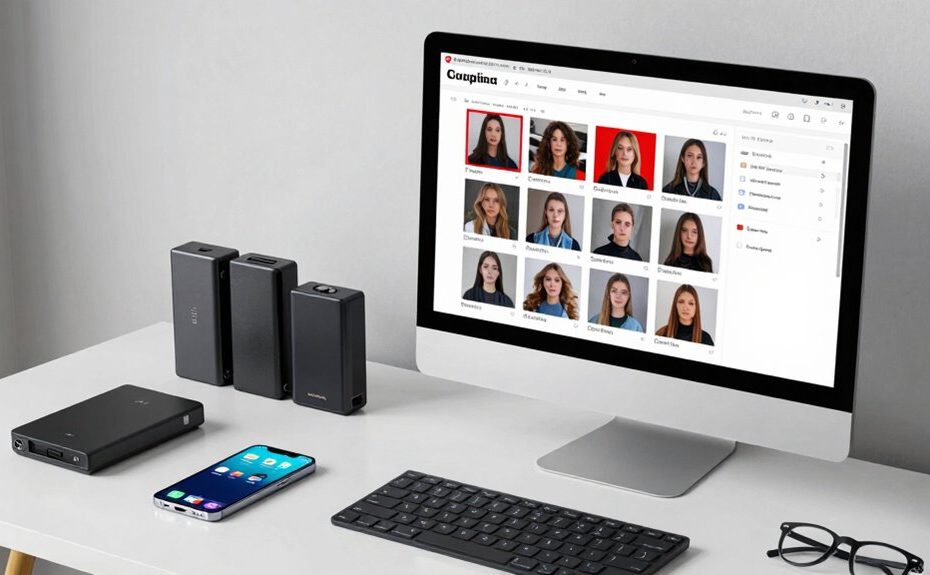
To fix duplicate photos and media clutter, start by creating a clear organization plan with folders sorted by event or date. Use reliable tools for duplicate detection to scan your library and identify similar or identical images. Carefully review the results before deleting duplicates, and back up your files beforehand. Regularly set aside time for cleanup and maintain consistent organization habits. Keep your media library tidy and efficient—if you want to explore more tips, you’ll find helpful strategies ahead.
Key Takeaways
Develop a consistent organization system by categorizing photos into specific folders by event, date, or category.
Use reliable duplicate detection tools to scan and identify identical or similar images for removal.
Review scan results carefully before deleting to prevent accidental loss of valuable media.
Regularly schedule media cleanup sessions to maintain a clutter-free library and optimize storage.
Backup media files before deleting duplicates to safeguard against data loss and ensure easy recovery.
Dealing with duplicate photos and media clutter can quickly become overwhelming, but tackling the problem step by step makes it manageable. The first step is to develop a solid plan for photo management, which involves organizing your files logically and consistently. Start by creating designated folders for different events, dates, or categories, so you know exactly where everything belongs. This organization not only helps you find photos easily but also makes it simpler to identify duplicates. Once your photos are properly sorted, you can focus on storage optimization, ensuring your device or cloud storage isn’t bogged down by unnecessary copies.
Organize photos into folders by event or date to simplify finding duplicates and optimize storage.
To efficiently manage duplicates, you need a reliable tool or app designed specifically for photo management and duplicate detection. Many of these programs scan your entire library to identify identical or similar images, saving you hours of manual searching. When choosing one, look for features like automatic detection, easy review options, and the ability to delete duplicates in bulk. Using such tools simplifies the process and minimizes the risk of accidentally deleting important photos. After the scan, review the results carefully before removal. Sometimes, similar photos are worth keeping—such as different shots from the same event or edited versions—so be cautious. Incorporating landscaping techniques can also help enhance the visual appeal of your outdoor spaces, creating a more harmonious environment.
Once duplicates are identified, you can delete them to free up space, which directly contributes to storage optimization. Removing redundant media not only declutters your collection but also helps your device run more efficiently. Consider creating a backup before deleting anything, just in case you remove something valuable by mistake. Cloud storage solutions often offer automated cleanup features, making ongoing management easier. Regular maintenance prevents clutter from building up over time, and understanding the importance of media management and other image quality factors can help you choose better projectors if you decide to display your photos on a large screen. Additionally, implementing consistent organization habits ensures that your media library remains tidy and easy to navigate in the long run. A professional approach to photo management can significantly improve your overall digital experience.
To keep your media library tidy, set aside time periodically to review and clean your collection. During these sessions, use your chosen removal tools to eliminate duplicates and organize new media into the appropriate folders. This routine keeps your photo management system effective and your storage optimized. Staying proactive with these habits reduces the chaos of media clutter, making your digital space more efficient and enjoyable to browse. By approaching duplicate removal systematically, you gain control over your photos, ensuring your storage remains optimized and your memories are preserved clearly and accessibly.
Frequently Asked Questions
Can I Recover Deleted Duplicate Photos?
Yes, you can recover deleted duplicate photos through photo recovery tools, especially if you act quickly before new data overwrites the space. To avoid losing important images again, implement duplicate prevention methods like organizing your media and using apps that detect duplicates. Regularly backing up your photos also helps safeguard your original images, ensuring you can restore any accidentally deleted duplicates with ease.
What Apps Are Safest for Cleaning Media Clutter?
For safe media clutter cleaning, choose reputable photo management apps like Google Photos, Apple Photos, or Gemini Photos. These apps prioritize app safety by offering secure, privacy-conscious features to identify and delete duplicates. Always download from official stores and check reviews before installation. Using trusted apps guarantees your media remains secure while helping you effectively manage and declutter your photo library.
How Often Should I Organize My Media Files?
You should organize your media files at least once a month to keep everything manageable. Regular photo organization helps prevent clutter and makes it easier to find images when needed. Don’t forget to do a media backup before cleaning up, ensuring your memories stay safe. Consistent organization and backups prevent duplicates and media clutter, saving you time and frustration in the long run.
Will Deleting Duplicates Affect Original Files?
Deleting duplicates typically doesn’t affect your original files if done carefully, like a well-aimed laser in a vintage sci-fi film. You should always have a recent photo backup before deleting duplicates, ensuring you don’t lose any treasured memories. Removing duplicates helps with storage optimization, freeing space for new photos. Just double-check before deleting to avoid accidentally removing the original, and you’ll keep your media organized without any worries.
Is There a Way to Prevent Duplicates From Being Created?
Yes, you can prevent duplicates by setting up proper cloud backup and storage optimization. Use cloud services that automatically detect and skip uploading duplicate files, saving space and reducing clutter. Regularly organize your media folders, and enable sync features that only upload new or changed files. This way, you maintain a clean library, avoid creating duplicates, and keep your storage optimized without losing any original content.
Conclusion
By tackling duplicate photos and media clutter head-on, you’ll reclaim your digital space and enjoy a more organized device. Imagine clearing out years of saved images and discovering that perfect vacation shot you forgot you had—without the chaos of duplicates. Just like Sarah, who decluttered her phone and found her favorite family photo in minutes, you’ll feel more in control and ready to enjoy your digital memories without the hassle.