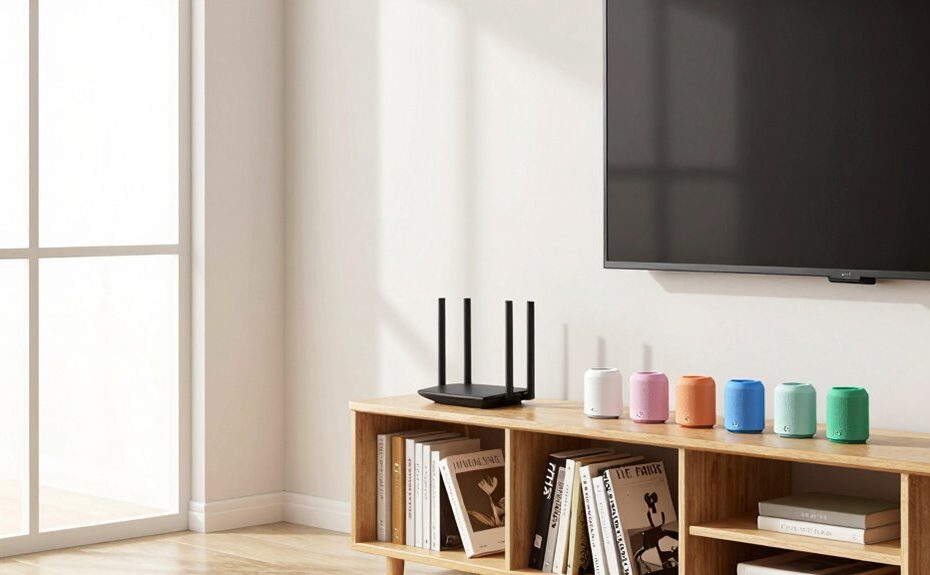
To set up your mesh system without overthinking, start by ensuring your modem works and is connected to the main node. Use the system’s app, which guides you step-by-step, including node placement. Keep nodes away from thick walls and in high-coverage areas. Follow simple tips like placing nodes within range of each other. Once you get started, you’ll find it easier to create a strong, reliable Wi-Fi network—more helpful tips are just a moment away.
Key Takeaways
Use the app’s guided setup to simplify installation and placement.
Place the main node near the modem in a central, unobstructed location.
Follow app signals to position additional nodes for optimal coverage.
Keep nodes within range of each other, avoiding guesswork.
Test Wi-Fi strength and make small adjustments as needed.
Setting up a mesh Wi-Fi system might seem complicated, but it doesn’t have to be overwhelming. The key is to stay focused on a few simple steps, and you’ll have your network running smoothly in no time. First, make certain your modem is working properly and connected to your primary mesh node. Usually, this involves plugging it into your modem and powering it on. Most mesh systems come with an app that guides you through the setup process, so grab your phone and follow the instructions. The app will help you place your nodes in the right spots, guaranteeing ideal coverage without guesswork.
When positioning your nodes, think about signal enhancement. Place the main node near your modem and in a central location, away from thick walls or large metal objects that could block signals. Additional nodes should be placed in rooms where you need the most coverage, but keep them within a good range of the main node to maintain strong signals. The app typically suggests the best spots, and you can move the nodes around until the signal indicators show a strong connection. This approach prevents dead zones and guarantees your entire home has reliable Wi-Fi. Maintaining proper network topology is essential for optimal performance. You can also consider the placement of your nodes to maximize coverage and minimize interference.
Smart device integration is another critical aspect. Most modern mesh systems are compatible with voice assistants and smart home hubs, so you can control your network with voice commands or apps. During setup, you might be prompted to link your system to your smart devices—do this early on to streamline future controls. This integration allows you to prioritize bandwidth for streaming or gaming devices and easily manage connected gadgets. Plus, many mesh systems support guest networks, which you can activate for visitors without giving them access to your main network.
Throughout the setup process, avoid overthinking every detail. Focus on simple placement, follow the app’s guidance, and test your network after installation. Check Wi-Fi strength in different rooms using your devices, and make slight adjustments if needed. Remember, the goal is to create a seamless, stable Wi-Fi experience without overcomplicating things. Being aware of mesh system features can help you optimize your network further while keeping the setup process straightforward. Once your system is up and running, you can explore additional features like parental controls or device prioritization, but these are secondary to establishing a solid, well-optimized network. With a little patience and a straightforward approach, you’ll soon enjoy reliable, high-speed internet across your entire home without the hassle.
Frequently Asked Questions
Can I Use a Mesh System With My Existing Router?
Yes, you can use a mesh system with your existing router. This setup often boosts your Wi-Fi coverage and simplifies managing your smart home devices, including parental controls. Just connect the mesh nodes to your current router, and you’ll enjoy seamless coverage. Keep in mind, some mesh systems work best as replacements rather than extensions, so check compatibility if you want to keep your current router.
How Many Nodes Do I Need for a Small Apartment?
For a small apartment, two nodes usually suffice to cover your Wi-Fi range and guarantee strong signal strength throughout. It’s a common myth that more nodes always mean better coverage; in reality, two are often enough for a compact space. You might consider a third if you have thick walls or signal dead zones. Start with two, test your Wi-Fi coverage, and add more if needed to optimize performance.
Do Mesh Systems Work With All Internet Providers?
Yes, mesh systems generally work with most internet providers, making setup straightforward. When choosing one, consider features like smart device integration and parental control options to suit your needs. Most systems are compatible with standard modems and internet plans, but it’s wise to check the specifications. Once set up, you’ll enjoy seamless coverage, easy management, and added security features like parental controls, ensuring your home network stays reliable and safe.
Is It Necessary to Update Firmware Regularly?
Yes, it’s necessary to update firmware regularly because it guarantees your mesh system stays compatible with new device features and maintains peak performance. Firmware maintenance helps fix bugs, improve security, and enhance stability. Keep an eye on your system’s settings or app notifications for updates, and install them promptly. Doing so guarantees device compatibility and keeps your network running smoothly without overthinking the process.
Can I Add More Nodes Later if Needed?
Absolutely, you can add more nodes later! Most mesh systems are designed with scalability in mind, making it as easy as snapping together building blocks. Just guarantee new nodes are compatible with your existing mesh system’s compatibility standards, and keep firmware updates current for smooth integration. This way, your network grows effortlessly, and you avoid the headache of compatibility issues or outdated firmware causing connectivity chaos.
Conclusion
Setting up your mesh system is simple, straightforward, and stress-free. Just place your nodes, connect them, and test your coverage. Don’t overthink the process—trust the design, follow the instructions, and enjoy seamless Wi-Fi everywhere. Remember, it’s about ease, efficiency, and comfort. With a little patience and a clear plan, you’ll have a reliable network in no time. Relax, stay confident, and let your mesh system do the work for you.