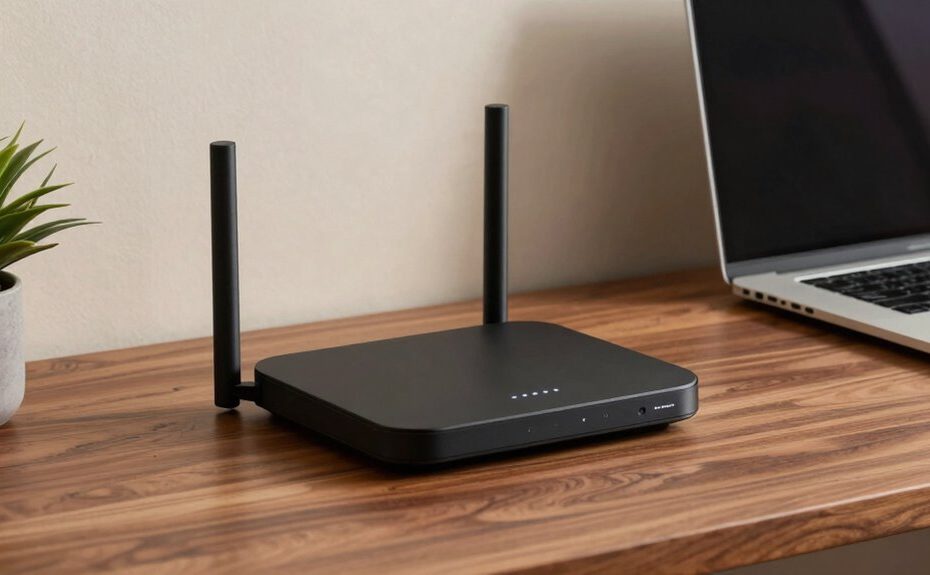
A business-class router at home offers enterprise-level security, like WPA3 encryption and VPN support, ensuring your data stays safe. It provides advanced management tools, such as remote access, traffic analytics, and troubleshooting options, making it easier to control and optimize your network. With high performance, multiple SSIDs, and support for many devices, it keeps your internet fast and stable under heavy use. Keep exploring to discover how these features can transform your digital environment.
Key Takeaways
Enterprise-grade security features like WPA3 encryption and intrusion detection systems.
Advanced network management tools for remote administration and detailed traffic analytics.
Support for multiple SSIDs and high data throughput for seamless, high-performance connections.
Robust parental controls and content management for family safety and oversight.
Reliable, stable internet performance even under heavy device usage and demanding workloads.
Ever wondered what transforms a regular router into a “business class” device at home? It’s all about the features that enhance your network’s security, manageability, and control. When you step up to a business-class router, you’re investing in a device that’s built to handle multiple users and sensitive data, guaranteeing your home network is both reliable and protected. One of the biggest distinguishing factors is network security. Unlike basic routers, these advanced devices come with robust security protocols, such as WPA3 encryption, VPN support, and intrusion detection systems. They shield your network from cyber threats, unauthorized access, and malware, giving you peace of mind that your personal and work data remains safe. This security layer becomes especially essential if you’re working from home or frequently share sensitive information over your network.
Parental controls are another critical aspect that elevates a router’s “business class” feel. These controls let you manage what content your family members can access and when they can go online. With intuitive interfaces and customizable settings, you can block inappropriate websites, restrict internet access during certain hours, and monitor online activity. This not only helps maintain a safe digital environment for kids but also allows you to regulate bandwidth usage, preventing streaming or gaming from hogging the entire network. The ability to set granular controls ensures that your network remains efficient and secure, whether you’re managing a household of tech-savvy children or supervising multiple devices simultaneously. Additionally, understanding emerging trends in digital publishing can help you stay informed about evolving network security threats and best practices for safeguarding your home environment. Incorporating LiFePO4 battery care tips into your tech setup can also ensure your devices and backups stay powered reliably during outages.
Beyond security and parental controls, a business-class router often offers features like multiple SSIDs for separate networks, higher data throughput, and better support for numerous connected devices. These features guarantee your internet remains fast and stable, even with heavy usage. You might also find advanced management tools, such as remote administration and detailed traffic analytics, which make it easier to troubleshoot issues or optimize network performance. These capabilities help you maintain a professional-level network environment, similar to what you’d expect in an office setting, but right in your home.
In essence, what makes a router feel “business class” at home is its ability to offer enterprise-grade security, effective parental controls, and superior network management. These features transform your everyday device into a powerful tool that keeps your digital life safe, organized, and running smoothly. Whether you’re working remotely, managing a household, or simply want a more reliable internet experience, a business-class router puts that level of control right at your fingertips.
Frequently Asked Questions
How Does a Business-Class Router Improve Network Security at Home?
A business-class router improves your home network security by offering features like remote management, so you can monitor and control your network remotely, reducing vulnerabilities. It also supports advanced encryption protocols, which protect your data from hackers and unauthorized access. With these tools, you gain better control over your network’s security, ensuring your personal information and connected devices stay safe from cyber threats.
Can a Home Router Handle Multiple Simultaneous Device Connections Effectively?
Yes, a home router can handle multiple simultaneous device connections effectively, especially if it offers strong wireless coverage and device prioritization features. You’ll notice smoother streaming, gaming, and browsing experiences because the router manages bandwidth efficiently. Prioritizing devices guarantees your most important activities get the necessary resources, while wide wireless coverage keeps more devices connected without signal drops. This setup ensures your entire household stays connected seamlessly.
What Is the Typical Lifespan of a Business-Grade Home Router?
A business-grade home router typically lasts about 3 to 5 years, assuming you keep up with firmware updates—because nothing says “professional” like patching security flaws in your living room. Warranty coverage adds a layer of peace of mind, ensuring your investment isn’t just a fleeting fancy. After all, if you’re going to host a virtual board meeting, you might as well have a router that can handle the pressure without throwing a tantrum.
Do Business-Class Routers Require Professional Installation or Setup?
Business-class routers often don’t require professional installation, but they do benefit from careful setup. You’ll want to optimize wireless coverage and configure parental controls to suit your needs. Many models offer user-friendly interfaces, making setup straightforward. However, if your home network is complex or you want the best performance, consulting a professional can guarantee everything is configured correctly, maximizing coverage, security, and control right from the start.
Are There Specific Brands Known for High-Quality Home Business Routers?
You’ll find brands like ASUS, Netgear, and Ubiquiti stand out for their high-quality home business routers. These brands offer firmware customization and advanced QoS features that feel like they’re built for a Fortune 500 company. Their routers handle multiple devices effortlessly, ensuring smooth streaming and working from home. When choosing, look for models with robust security and reliable support — they’re the backbone of your digital empire.
Conclusion
In the end, a “business class” router is like having a trusted concierge guiding your digital journey. It quietly handles your network’s needs with grace, ensuring every device gets a smooth, steady connection. With a touch of sophistication and a dash of reliability, it transforms your home into a sleek, efficient workspace. So, invest in quality, and let your Wi-Fi fly first class—comfortably, seamlessly, and without a hitch.